
Inspiration
The world generated 62 million tonnes of e-waste in 2022, and it's projected to reach 82 million tonnes by 2030. A large portion of this waste comes from household appliances that could be repaired, but are discarded because fixing them is difficult or costly.
AI is helping to solve most of the problems today, but flagship models come with limitations. Most of them look like regular chatbots and require internet. In rural areas, reliable internet connections are often not available.
We strongly believe in the Right to Repair. Everyone needs a solution that works regardless of internet access and even on budget mobiles.
I love doing DIY repairs and projects myself, but I always felt something was missing — a reliable companion to guide me through the process. So I built FixGemma - AI Repair Assistant. There are many AI apps that fail because they prioritize conversational UI over efficient, task-oriented experience. So I built the app with a new Carousel UI to make a difference.
FixGemma
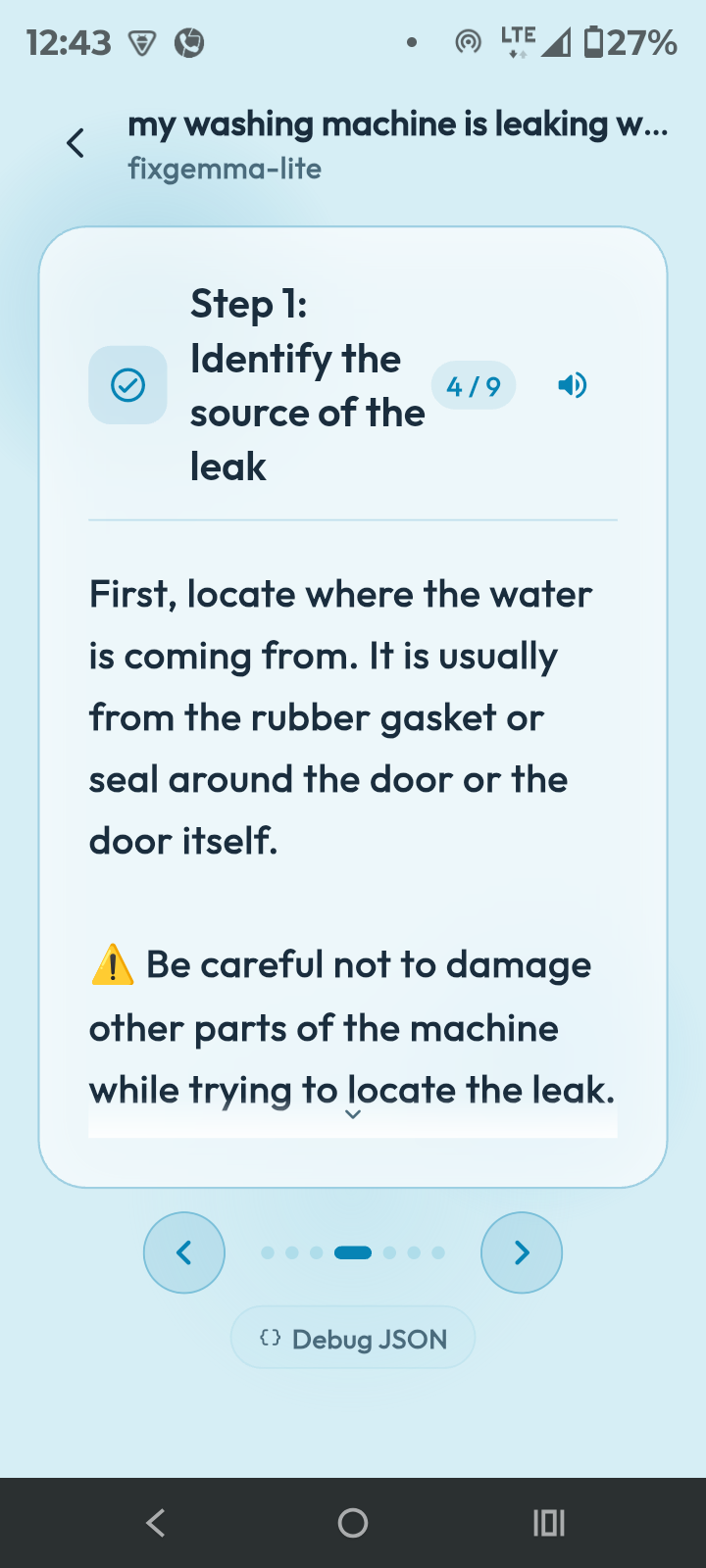
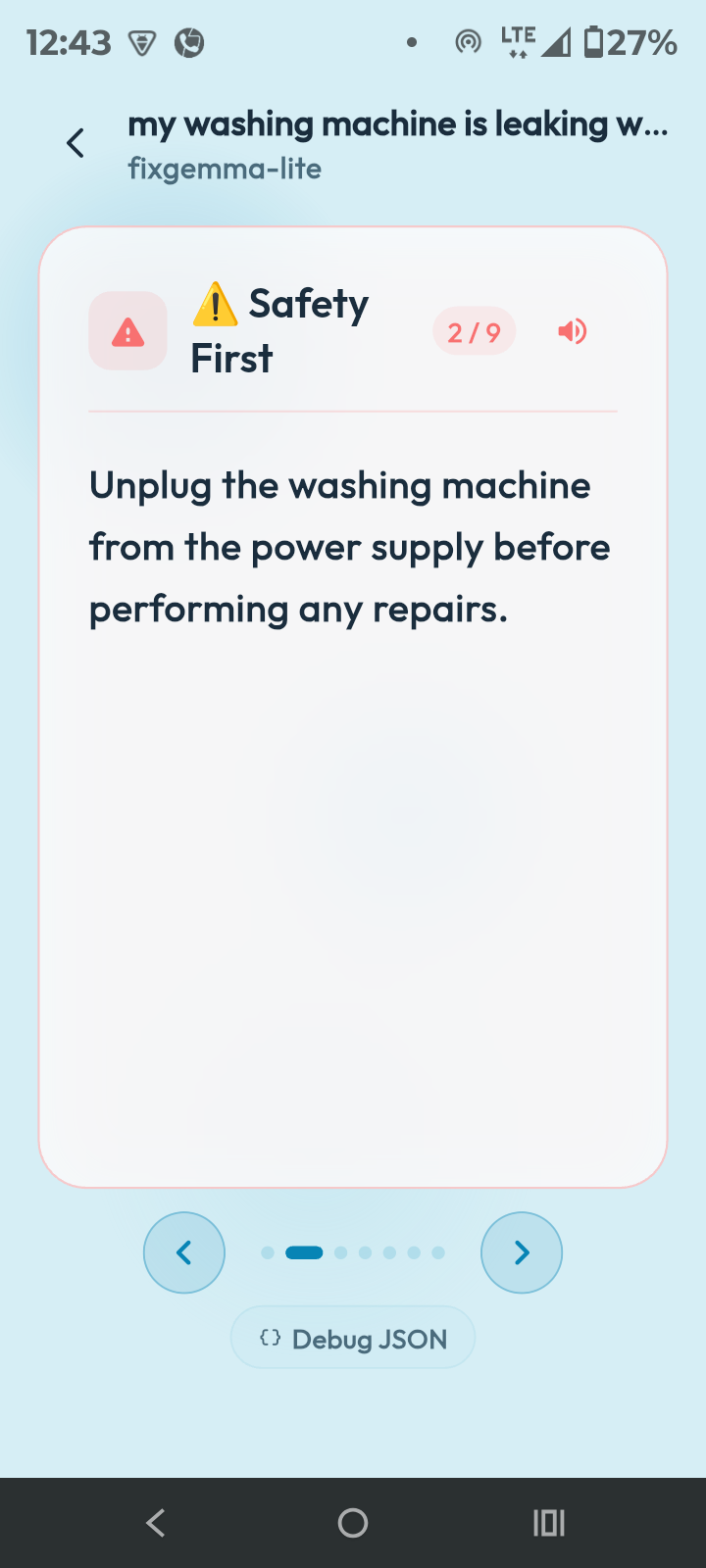
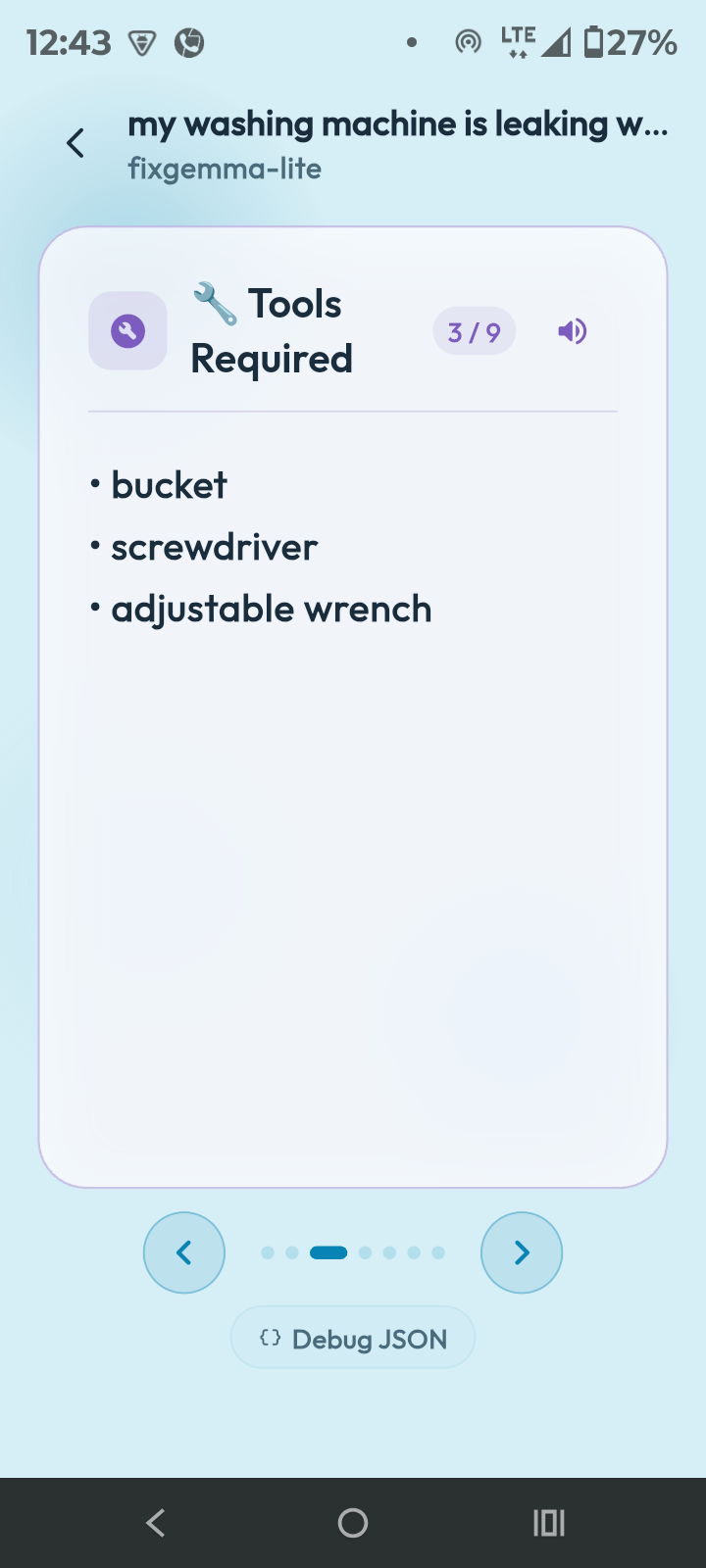
FixGemma is a mobile app that gives you step-by-step visual instructions through an interactive carousel to help you fix your appliances and DIY projects.
The app uses a fine-tuned version of Gemma 4 models to generate repair instructions and runs the inference locally on the device.
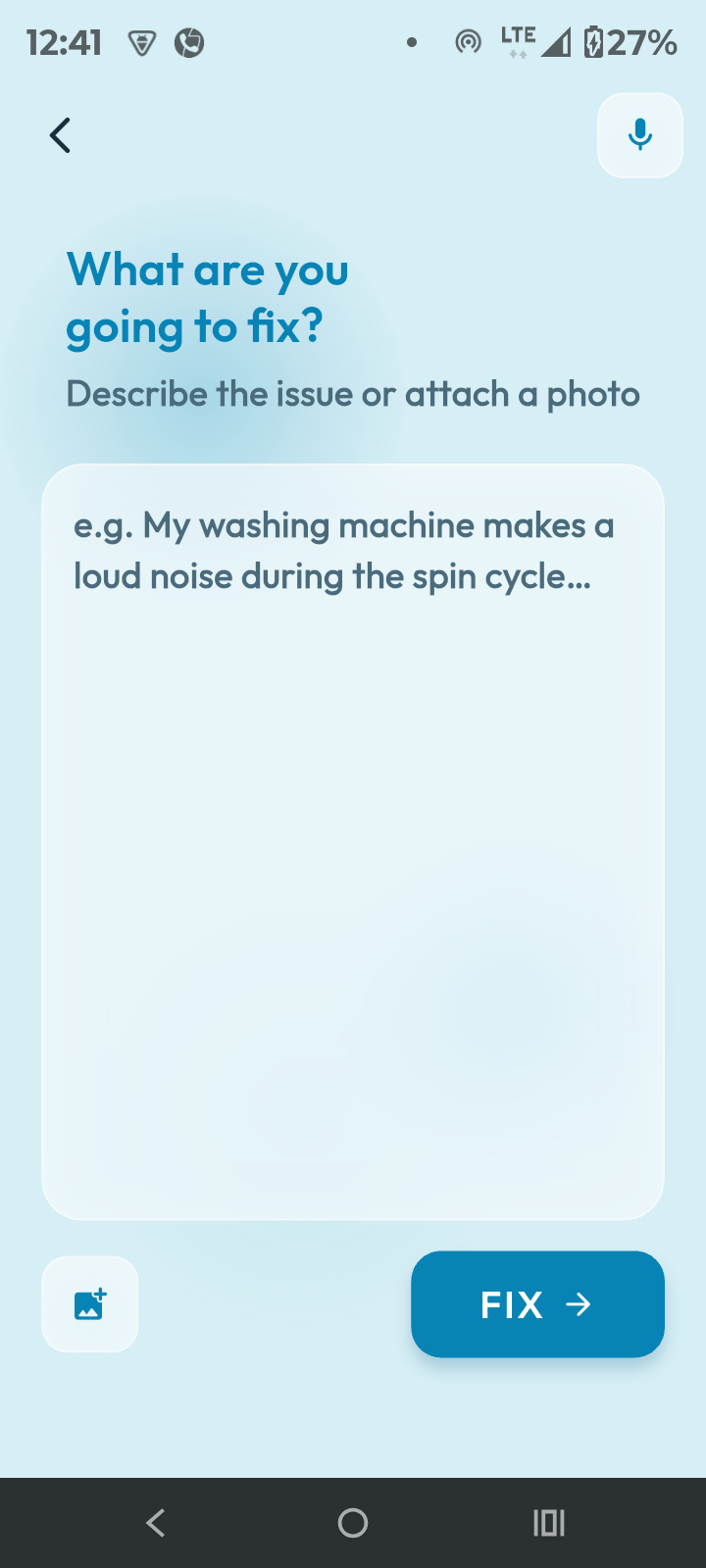
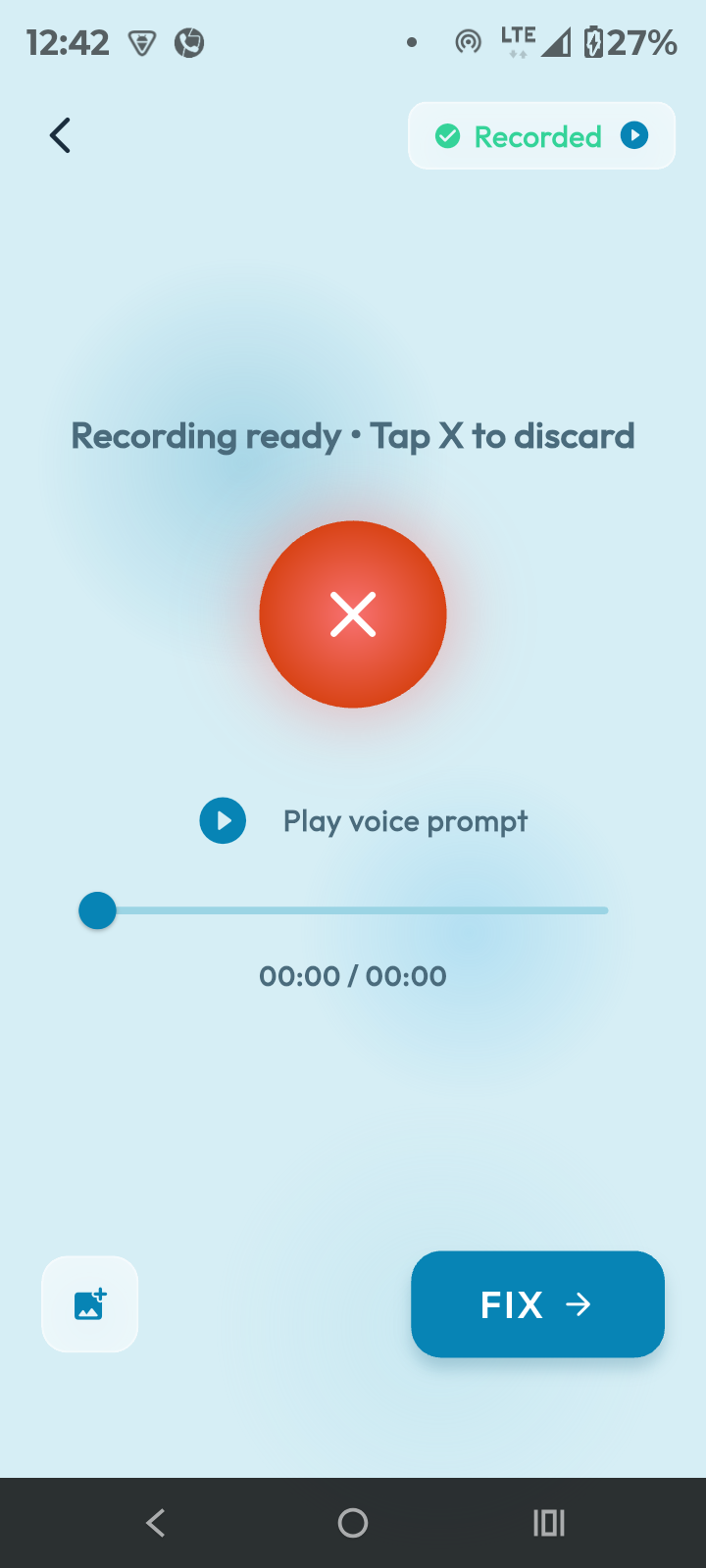
As we have seen with Gemma 4's multimodal capabilities, the app can accept multiple types of input like text, images, and audio to generate more accurate repair instructions.
I used the Cactus inference engine to enable hybrid inference, which seamlessly routes complex tasks to the cloud model when needed.
App Screens
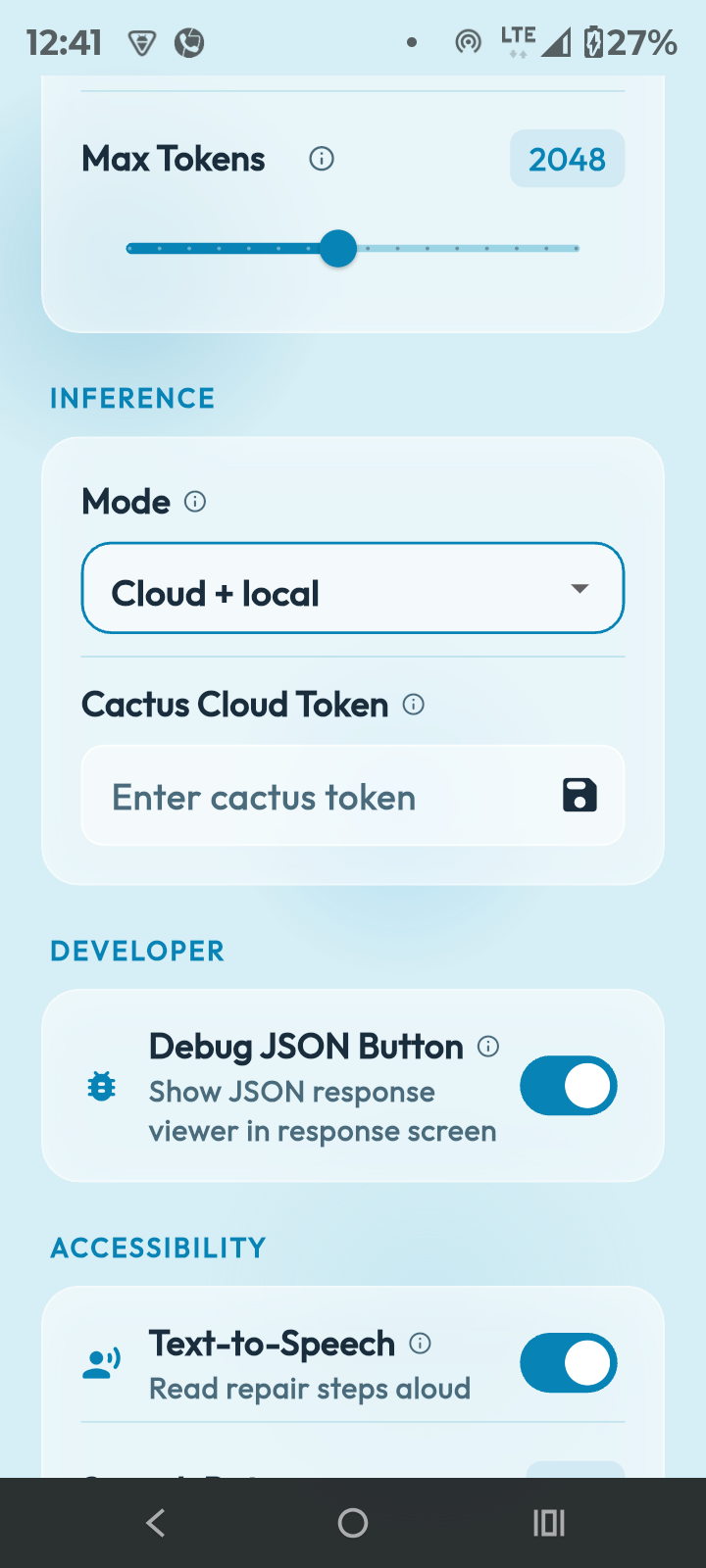
Swipe through the app — every screen below runs against the on-device model.
Development Process
- i started with collecting data from web and other related datasets. the dataset we selected had many anomolies so we used a embedding model to guess semantic scores between the data points(repair,diy,fixes) and datasets to get more similar data and prepared a 30k corpus dataset.
- I also tried to curate the dataset by batch feeding it to a small LLM to make it more structured and added safety information. However, because the dataset had 30k entries and I had limited resources, I could not curate it fully. I managed to curate 1k results, which I then combined with the uncurated dataset. This gave the model better diversity and more accurate repair instructions.
- I then started LoRA fine-tuning both Gemma 4 E4B and Gemma 4 E2B models on the curated dataset using Unsloth. I used the same training setup and hyperparameters for both models to ensure consistency.
- I started with the Gemma 4 E4B model and fine-tuned it first. The results were satisfactory. I then fine-tuned the Gemma 4 E2B model on the same dataset for maximum device compatibility. After that, I merged the LoRA adapters with the base models and converted them to GGUF format.
- I researched and selected Cactus as the inference engine to run the model locally on the device. However, their new version had removed support for GGUF format and required the native .cact format.
- Converting the model to .cact format was new for me. I researched the Cactus tools and tried to convert the Gemma 4 E4B merged 16-bit model using the Cactus CLI tool. I debugged the conversion process for almost 24 hours. When the conversion started, I hit a Kaggle RAM limit because the model needed nearly 32GB of RAM. After searching online, I discovered Kaggle TPU sessions which provide 300+ GB of RAM. I used it and successfully converted the model to INT4 quantized .cact format.
- I then did the same for the Gemma 4 E2B model and converted it to INT4 quantized .cact format successfully.
- I started building the first working prototype of the app with basic inference capabilities. I began with a simple chat interface to test the model. I was able to run both 4B and 2B models on a $80 budget phone, which was my biggest accomplishment.
- Fitting a gigabyte-sized model in the app bundle was impossible, so I added a download option in the app that can download the model from Hugging Face at high speed.
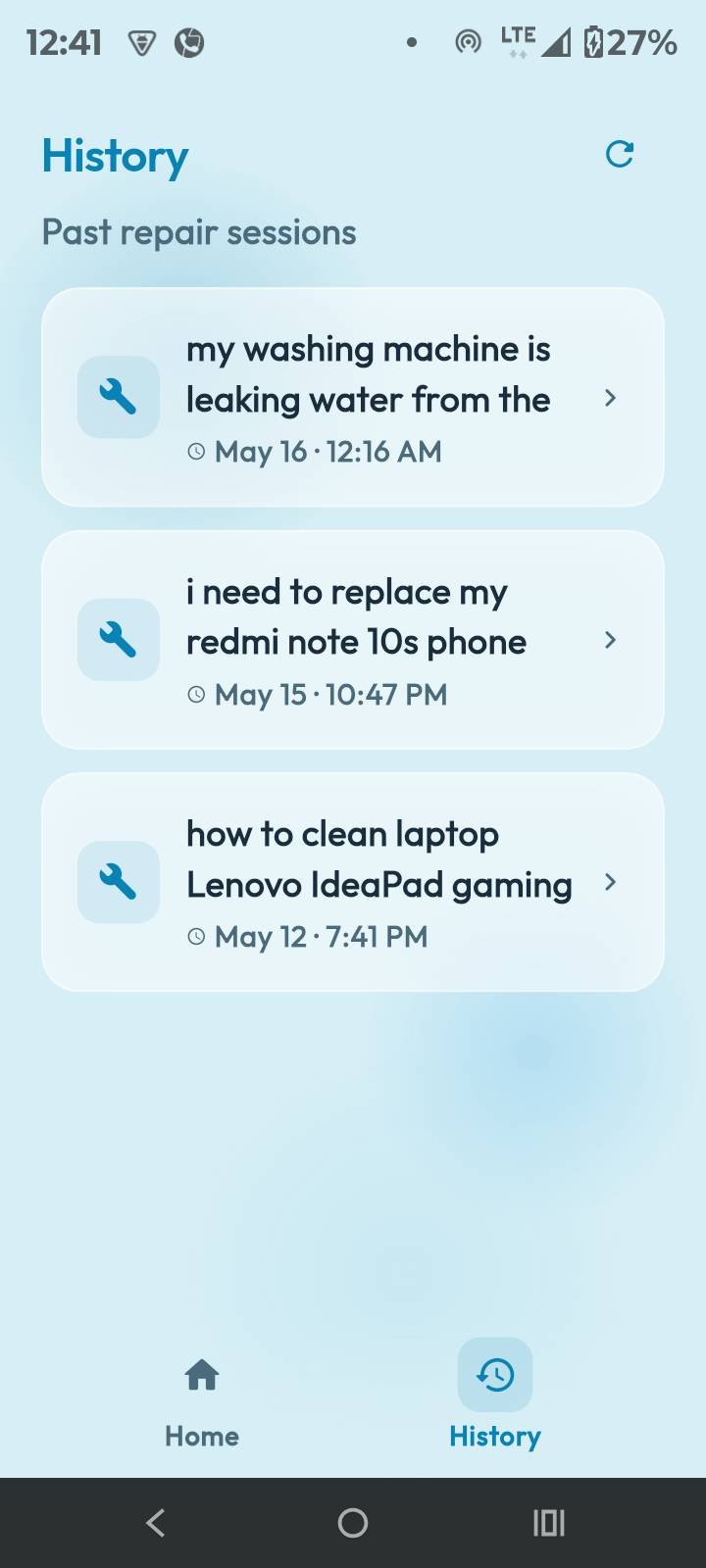
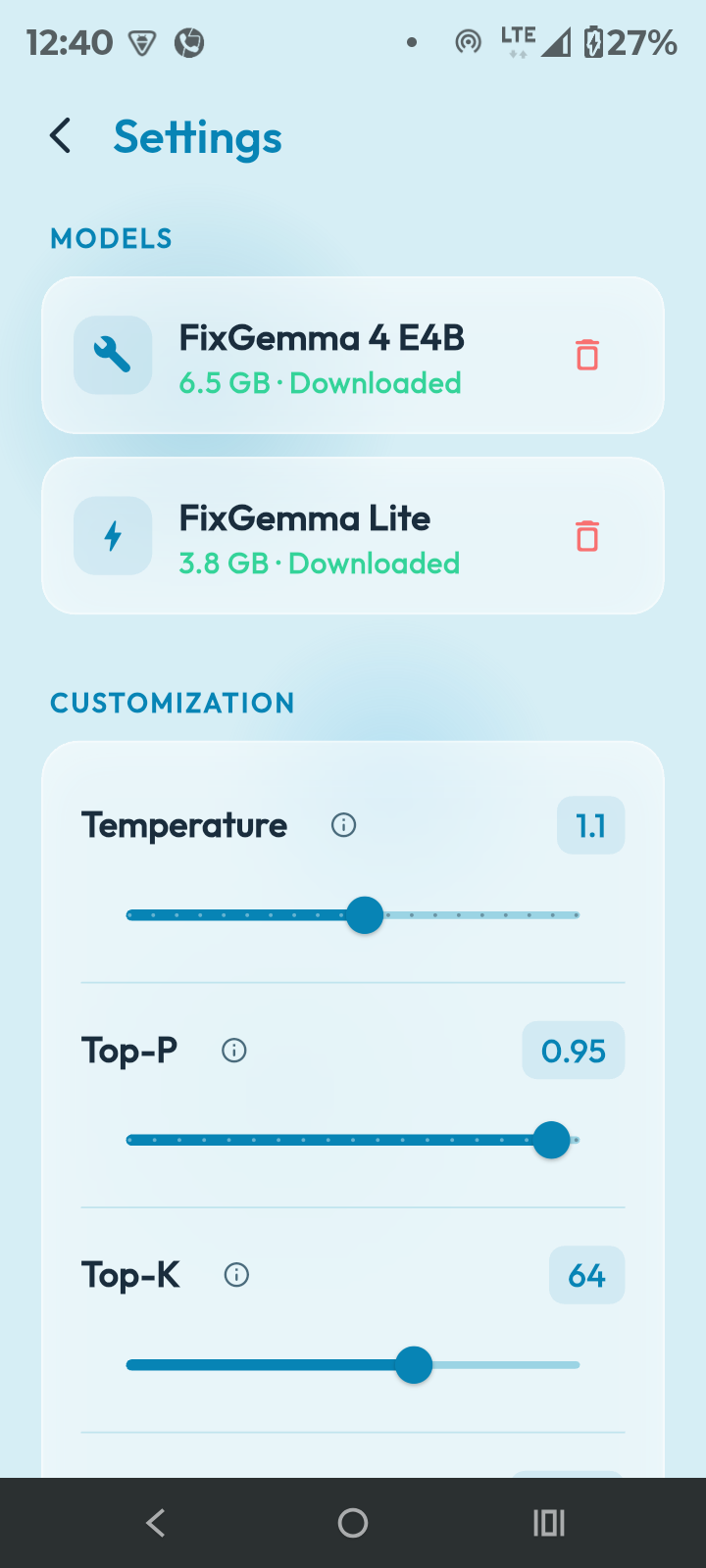
- I then improved the app by adding features like model selection, chat history, text-to-speech, model configuration (temperature, top-p, top-k), settings menu and a Cactus cloud hand-off feature. I personally hate chat interfaces for this type of app, so I introduced a new carousel interface for the model responses and finalized the app.
Fine-tuning
When it came to fine-tuning, I used Unsloth, which supports both Gemma 4 E4B and Gemma 4 E2B models.
First, I prepared a fine-tuning script and tested it on a smaller sample of the dataset to ensure everything worked as expected.
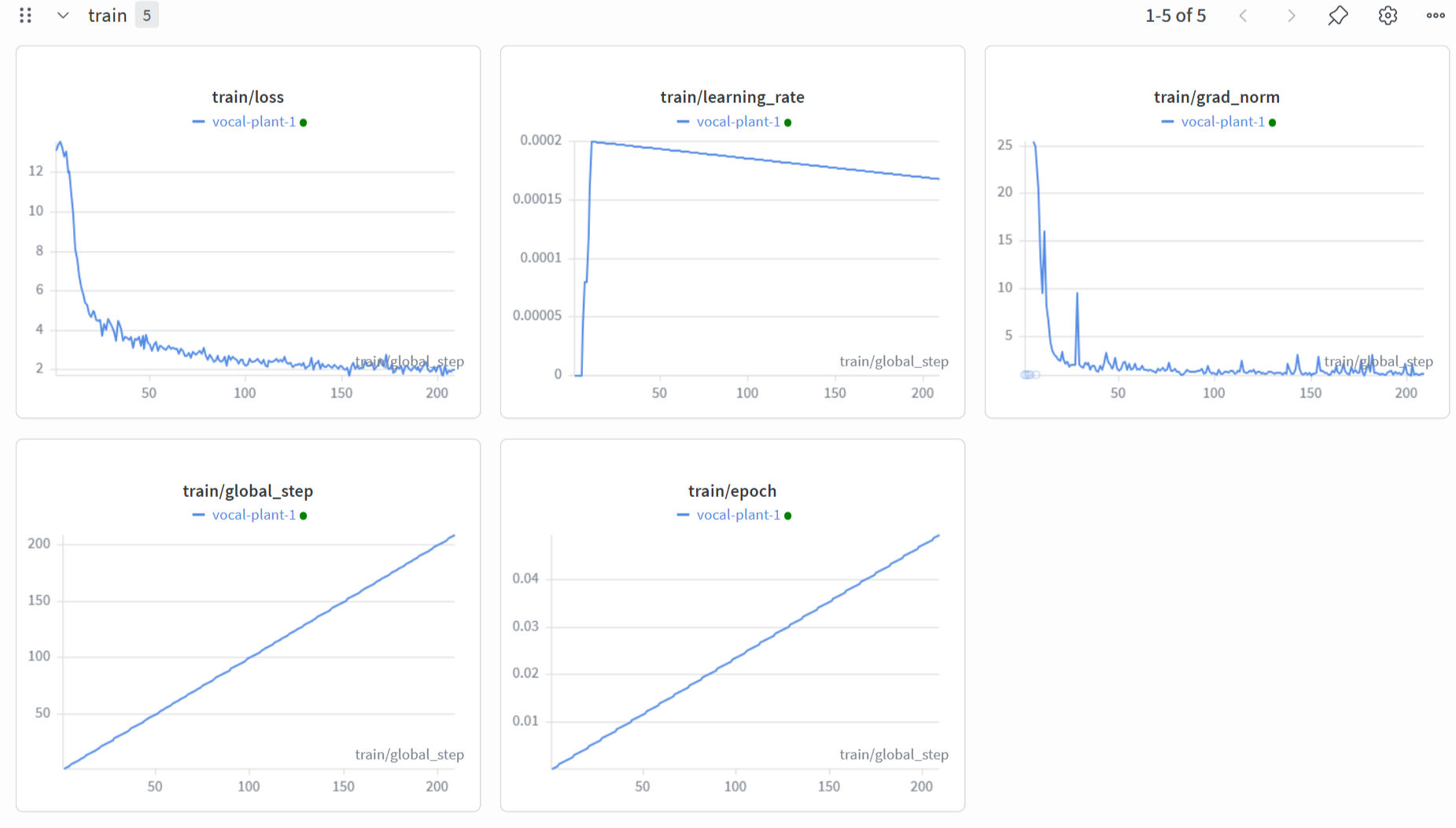
I then tried fine-tuning on the full dataset, but it was estimated to take over 20 hours, which would exceed Kaggle's free tier limit. So I reduced the dataset to 10k samples and fine-tuned the Gemma 4 E4B model. I constantly monitored the metrics on Weights & Biases (wandb). This run took around 5 hours.
After that, I switched to the Gemma 4 2B model and fine-tuned it on the same 10k samples. Both models gave satisfactory results.
Why Cactus?
- I tested both LiteRT and Cactus on my budget phone. I found that Cactus loads the model 2x faster than LiteRT and consumes 10x less memory thanks to its zero-copy memory mapping technique. It also uses less battery.
- Cactus supports Gemma 4's multimodal capabilities, which was essential for this app.
- It can be easily integrated with Flutter for cross-platform development.
- It supports both NPU and CPU inference.
- If a low-end device hits a heavy prompt, it detects the bottleneck and can automatically hand off to the cloud model mid-stream.
Features
- Fully Offline: The model runs completely on-device with no internet connection required.
- Multimodal Input: Supports text, images, and voice for more accurate and contextual repair guidance.
- Interactive Step-by-Step Guides: Delivers clear, visual repair instructions through a beautiful, swipeable carousel interface.
- Text-to-Speech: Converts repair instructions into spoken words for a better user experience.
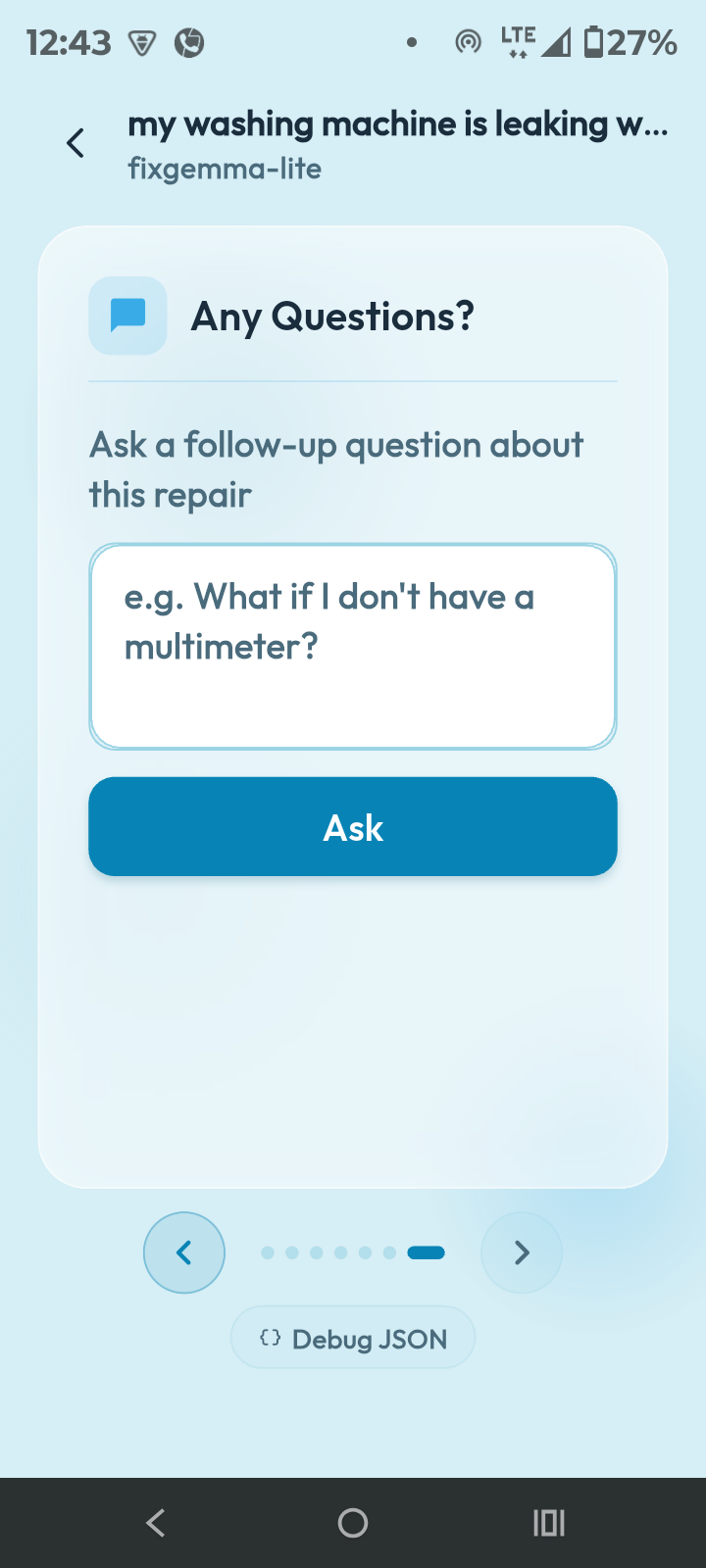
- Conversation History: Saves previous chats and supports natural follow-up questions.
- Hybrid Cloud Fallback: Optional cloud hand-off for complex prompts (API key required).
- Dual Model Support: Choose between Gemma E4B and E2B models based on your device's capabilities.
- Customizable Inference: Adjust temperature, max tokens, and other generation parameters.
- Debug Mode: Inspect raw model responses (JSON) and performance metrics.
Challenges
When I started research to collect datasets and web sources for fine-tuning, there was no perfect ready-made dataset available. So I had to collect a diverse set of data from various sources and curate it with an LLM to create a high-quality dataset. This entire process took a lot of time.
When I needed to convert the model to Cactus format, I initially thought it would be a simple command-line tool. But it turned into a roller coaster. When I started the conversion, it pushed 40GB of junk files to my Hugging Face repo. After investigating, I discovered it was an Unsloth bug. So I had to restart the fine-tuning process, merge the LoRA in the same notebook, and then convert it. Thankfully, it worked and I only had to do this for one model.
While building the app, I noticed that Cactus does not provide simple cloud usage. We need to contact their support team to get access. Because of this, I could only implement basic cloud hand-off.
Learnings
- Before this project, I had no idea about the Cactus inference engine. Now I have gained deep practical knowledge of a new high-performance inference engine that is significantly faster than Google's LiteRT for on-device use.
- I learned advanced data curation techniques — from collecting messy web data to cleaning, embedding-based filtering, and using LLMs to structure the dataset.
- I gained hands-on experience with LoRA fine-tuning using Unsloth, model merging, GGUF conversion, and converting models to the .cact format.
- I learned how challenging it is to optimize and deploy large models on real low-end budget smartphones while maintaining good speed and user experience.
- I understood the importance of good UI/UX design — especially how a well-designed Carousel interface can make even slower inference feel smooth and user-friendly.
Conclusion
FixGemma started with a strong belief in the Right to Repair and a goal to help people fix things completely offline. By fine-tuning Gemma 4 models with Unsloth and converting them to Cactus format, we successfully ran a gigabyte-sized model on an $80 budget phone.
Introduced the new Carousel UI instead of a basic chat to make the step-by-step instructions smooth and task-oriented. This project showed us how challenging but possible it is to optimize large models for real low-end devices. Ultimately, FixGemma proves that helpful AI doesn't need the internet and can work for everyone, even in rural areas.
Project Links
- DIY Repair Dataset 30k-curpus repair/DIY dataset on Hugging Face
- FixGemma E4B Cactus Model (INT4) Shipped on-device weights — runs on the $80 test phone
- FixGemma E2B Cactus Model (INT4) Lighter variant for maximum device compatibility
- Finetuning Notebook LoRA with Unsloth on Kaggle
- .cact Conversion Notebook GGUF → INT4 .cact via a Kaggle TPU session
- Voice Prompt Demo (Shorts) Hands-free voice repair walkthrough
Brought to life with the invaluable support of @Renuka S.